
 Download/Homepage
When you start the install the first thing that you see is a
Window asking if you want a Desktop Shortcut and A Start Menu Shortcut. Then it
lets you select the path where you want the program files installed.
I must admit the operation of FreeToGo is simplicity itself. When you turn the
program on you get the screen below:
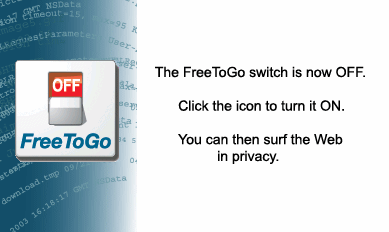
Then when you are all done surfing the internet you push this button:
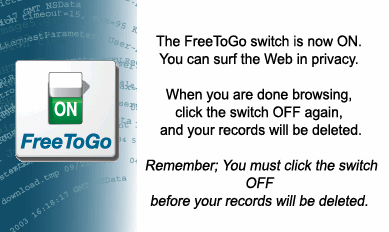
When you push the button it deletes the information that you want deleted. This
doesn't mean that you don't have any control over what gets deleted. I'm just
telling you that FreeToGo is really easy to use. Here are the tools you have:
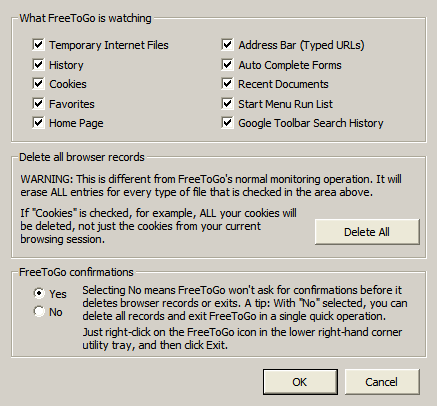
As you can see the operation of FreeToGo is simplicity itself even though all
the options that a power user could want are there too.
In conclusion this is about the best program I have seen for protecting your
Internet security.
Try It! Buy It!

Return to SharewareJunkies.com
